Chat with us on WhatsApp

Typically replies in minutes

Hi there! Have a question about VertexOne CRM? Send us a message and our team will get back to you right away.
Start chat
VertexOne CRM by RST Vertex AI

Make every WhatsApp conversationeasier to manage.

Bring your customer conversations, team replies, contacts, campaigns, and configured business workflows together with VertexOne CRM by RST Vertex AI.

AM

Rishith

online

Type a message

About RST Vertex AI

WhatsApp-focused tools and configured AI solutions

RST Vertex AI helps businesses manage customer conversations and organize business operations with WhatsApp-focused tools and configured AI solutions.

VertexOne CRM is our WhatsApp CRM dashboard. It brings customer conversations, contacts, approved-template messaging, campaigns, reports, and configured business workflows together in one workspace.

Businesses can use VertexOne CRM for their own teams. Partners can also discuss offering configured CRM workspaces under their own brand through our separate white-label partner program.

  • Customer conversations, contacts, approved-template messaging, campaigns, reports, and configured business workflows in one workspace.
  • Use VertexOne CRM for your own team, or discuss a white-label partner setup under your own brand.
  • AI-assisted tools and custom AI solutions are configured per workspace — staff stay in control of every conversation.

The product

One workspace for conversations, contacts and reports

See what your team works in every day — from the shared inbox to dashboard reports.

Shared inbox

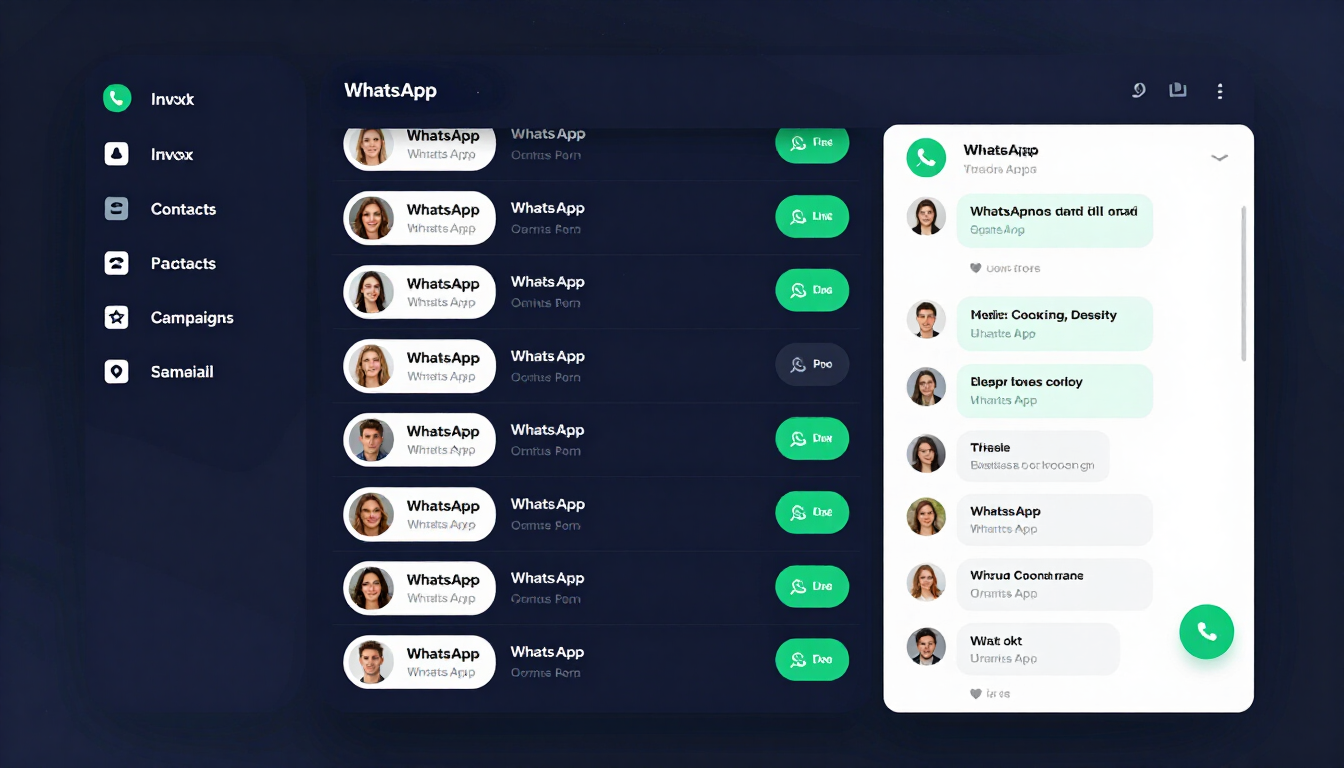
A shared team inbox for every WhatsApp contact

Every conversation lives in one inbox with full history and contact context. Reply to customers, use quick replies and approved templates, and track message status — so your team keeps conversations organized in one place.

  • Review incoming messages and reply
  • Quick replies and approved templates
  • Message status tracking
A shared team inbox for every WhatsApp contact
Dashboard reports

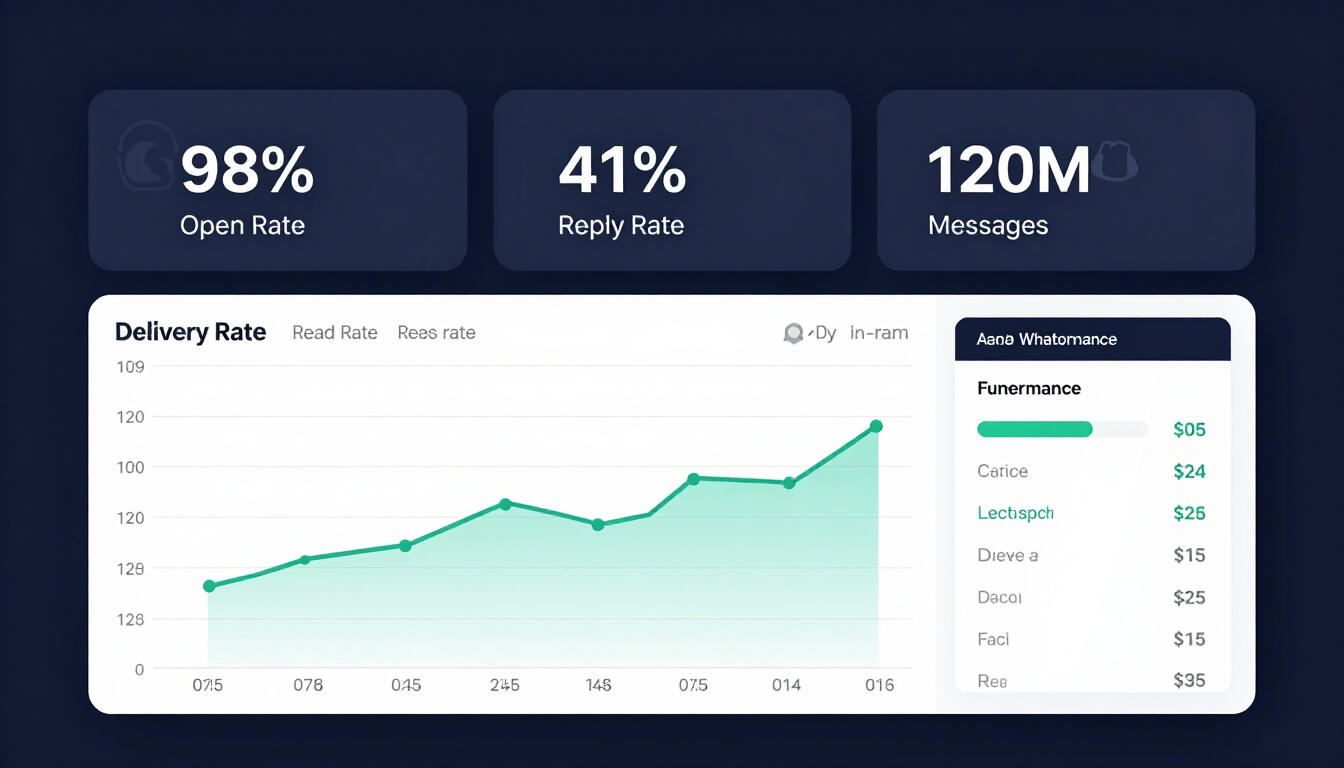
Activity and operational reports in one view

Review available dashboard activity and operational reports for conversations, messages, contacts, campaigns, and enabled workflows. Reports depend on the features configured for your workspace.

  • Conversation and message activity
  • Campaign delivery and reports
  • Operational workflow reports
Activity and operational reports in one view

VertexOne CRM Features

Tools to organize customer conversations and operations

Nine modules that bring conversations, contacts, messaging, campaigns, reports and configured workflows together — availability depends on your workspace configuration.

Shared WhatsApp Inbox

Manage customer conversations in a shared team workspace. Review incoming messages, reply to customers, use quick replies and approved message templates, and track message status — so your team keeps conversations organized in one place.

Contact Management

Keep customer and worker profiles organized. Contact tools can include profile management, contact import and export where enabled, and marketing-consent controls to support appropriate customer follow-up.

Approved WhatsApp Templates

Manage and use approved WhatsApp message templates for relevant conversations and campaigns. Meta approval and WhatsApp account requirements apply. Template use and message charges are separate from the CRM subscription.

WhatsApp Campaigns

Prepare and schedule consent-based campaigns using approved WhatsApp templates. Review delivery tracking and campaign activity reports to understand campaign status.

AI-Assisted Reply Suggestions

When enabled for a workspace, AI can suggest replies to assist team members. Staff review and control the conversation — this is not an autonomous chatbot that handles every customer interaction.

Lead Scoring

AI-assisted lead scoring may be available when enabled. It can help teams prioritize follow-up. Availability depends on workspace configuration.

Configured Business Operations

Turn customer requests into operational work in the modules enabled for your workspace. Workflows may cover appointments, reservations, orders, payments, service jobs, vehicle service, or farm workforce operations.

Dashboard Reports

Review available dashboard activity and operational reports for conversations, messages, contacts, campaigns, and enabled workflows. Reports depend on the features configured for your workspace.

Team Notifications

Configured notifications can help teams keep track of relevant operational updates. The types of notifications available depend on workspace setup.

Business Workflows

Configured workflows for your kind of business

These are examples of workflows that can be configured. Not every module is included or enabled by default for every business or plan.

Clinics

Organize appointment enquiries, appointments, provider schedules, reminders, and patient follow-up workflows where configured.

Salons and Spas

Coordinate client and stylist details, services, appointments, reminders, and repeat-customer follow-up where configured.

Restaurants and Cafes

Manage table reservation enquiries, reservations, customer requests, and related follow-up where configured.

Hotels and Resorts

Coordinate stay enquiries, guest details, room or resort reservations, and guest support workflows where configured.

Home Services

Organize service enquiries, job scheduling, technician assignments, field visits, and job status updates where configured.

Vehicle Service Centers

Manage vehicle and customer details, service jobs, service slots, workshop bookings, technician coordination, and customer visits where configured.

Farms

Coordinate workforce tasks, attendance, and wage records where configured.

Orders and Payments

Track applicable customer orders, wholesale enquiries, invoices, deposits, and balances when the relevant workspace modules are enabled.

Custom Businesses

Discuss the customer and operations workflow you want to organize. Module availability and configuration must be confirmed with our team.

Important: These are examples of workflows that can be configured. Not every module is included or enabled by default for every business or plan. Module availability and configuration must be confirmed with our team.

AI and Custom Solutions

Beyond the CRM — custom AI projects

In addition to VertexOne CRM, RST Vertex AI can discuss AI-related projects. These are custom services, not a promise that every capability is included as a standard VertexOne CRM feature. Project scope, supported platforms, requirements, delivery, and pricing are confirmed individually with our team.

Discuss a custom project

AI chatbot development

For customer support or sales.

WhatsApp Business automation

Automation and lead-generation bots.

AI video generation

For marketing and content creation.

Workflow automation

Automate repetitive operational tasks.

Custom AI integrations

For websites, apps, and business tools.

Virtual Assistant or Chatbot Setup

Looking for a virtual assistant or chatbot?

Tell us what you want it to do, where it should work, and what kind of customer requests it should support. RST Vertex AI can discuss a suitable custom solution, such as a website or WhatsApp assistant, subject to technical and account requirements.

A chatbot or virtual assistant project is separate from the optional AI-assisted reply suggestions in VertexOne CRM. Do not assume that the CRM includes an autonomous chatbot, visual flow builder, or unattended AI handling of conversations.

What we need to know

  • What you want the assistant to do
  • Where it should work (website, WhatsApp, etc.)
  • What kind of customer requests it should support
Tell us your requirements

Getting started

How setup works

The exact process, availability, integrations, and timeline depend on the selected solution and the requirements confirmed by our team.

Team discussing a workspace setup
  1. 01

    Tell us about your business

    Tell us about your business and the task you want to improve.

  2. 02

    Choose your solution

    Discuss whether you need VertexOne CRM for your own business, a white-label partner setup, or a separate AI project.

  3. 03

    Review features and configuration

    Review the relevant features, workspace configuration, plan or package, and WhatsApp requirements with our team.

  4. 04

    Confirm scope and fees

    Confirm the scope, fees, and onboarding requirements before proceeding.

  5. 05

    Configure your workspace

    Configure the workspace and enabled modules based on the agreed scope.

Virtual or Remote Onboarding

A typical setup discussion

Ask our team whether virtual onboarding is available for your account or partner package. Setup requirements and the exact onboarding format are confirmed during consultation.

Never send passwords, one-time passcodes, access tokens, app secrets, or other sensitive credentials by chat or email. Our team will explain the secure setup process.

1Your business type and the workflow you want to manage
2The WhatsApp Business account and number to be connected
3Required Meta Business verification and WhatsApp access
4Approved message templates and consent-based messaging needs
5Contacts, team workflow, and the CRM modules needed
6Workspace configuration and any applicable partner branding
7Team orientation and next steps

White-Label Partner Program

Offer VertexOne CRM under your own brand

Offer configured VertexOne CRM workspaces under your own brand through our partner onboarding program. White-label workspace branding, domain, and client setup are arranged during onboarding.

Partner packages are one-time setup packages and are separate from customer CRM subscriptions. WhatsApp API charges and Meta template-message charges are also separate.

Silver Partner

Rs. 9,999

one-time setup before 18% GST

WABA: Rs. 299 per WABA ID

  • White-label CRM workspace setup
  • WhatsApp inbox, contacts, approved templates
  • Campaigns, reports, configured business operations
  • WhatsApp API onboarding
Talk to Our Team

Gold Partner

Popular

Rs. 19,999

one-time setup before 18% GST

WABA: Rs. 199 per WABA ID

  • Everything in Silver
  • Workspace greeting configuration
  • AI persona configuration where AI assistance is enabled
Talk to Our Team

Diamond Partner

Rs. 69,999

one-time setup before 18% GST

WABA: Rs. 100 per WABA ID

  • Everything in Gold
  • Advanced workspace and business-module configuration
  • Partner onboarding
  • Priority support
Talk to Our Team

WhatsApp API charge is listed per WABA ID and is separate from the setup fee and Meta template-message charges. Confirm applicable billing terms with our team.

Customer CRM Subscriptions

Plans that fit your team and message needs

Flat platform fee, no separate CRM setup fee, cancel anytime. Meta WhatsApp template-message charges are separate and not included in the plan price.

Starter

Rs. 999/ month

or Rs. 9,990 billed yearly

One WhatsApp Business number, shared team inbox, contact management, approved templates, and dashboard activity reports.

Basic

Rs. 1,499/ month

or Rs. 14,990 billed yearly

Starter features, plus contact import and export, WhatsApp campaigns, scheduling, delivery tracking, and campaign performance reports.

Growth

Rs. 1,999/ month

Basic features, plus AI-assisted reply suggestions and lead scoring when enabled, and configured business operations modules. 6-day free trial for new accounts, no card required.

Scale

Rs. 2,499/ month

Growth features, plus setup for a second WhatsApp Business number, guided onboarding, and priority support.

Enterprise

from Rs. 9,999/ month

For larger teams requiring custom workspace and WhatsApp number setup, business-module configuration, and onboarding. Custom pricing confirmed with our team.

Compare and subscribe

Review all plans and start a subscription on the pricing page.

Compare CRM Plans

Subscription and Messaging Charges

Transparent Meta template-message rates

Customer subscriptions have a flat platform fee, no separate CRM setup fee, and can be cancelled anytime. Meta WhatsApp template-message charges are separate from the CRM subscription and are not included in the plan price.

Template usage is debited from a prepaid wallet at the listed official Meta India rates, with no markup. The first 1,000 service replies per WhatsApp number each month are free. Ask our team about current applicable charges and billing details.

Plan features and workspace modules depend on account configuration. Confirm enabled modules and account access during onboarding.

Template typeRateUnit
Marketing templateRs. 0.86per message
Utility templateRs. 0.12per message
Authentication templateRs. 0.12per message
First 1,000 service replies per WhatsApp number each month are free.

Why businesses use VertexOne CRM

Tools to organize customer work

VertexOne CRM provides tools to organize customer work. Business outcomes depend on your use case, setup, customer engagement, and other factors; specific sales or revenue results are not guaranteed.

Keep WhatsApp customer conversations and team replies organized in one workspace.
Make customer follow-up easier with contact tools.
Use approved templates for relevant conversations and campaigns.
Track campaign delivery and review campaign activity.
Organize business tasks through the modules configured for your workspace.
Use AI assistance where enabled while keeping staff in control.
Choose a customer subscription or discuss a separate white-label partner setup.

FAQ

Frequently asked questions

Everything about the CRM, modules, messaging charges, setup and partner options. Still have questions? Book a demo.

VertexOne CRM is a WhatsApp customer-conversation and business-operations dashboard by RST Vertex AI. It helps teams manage conversations, contacts, messaging, campaigns, reports, and configured business workflows.

Get Started

Tell us what you want to manage

Tell us your business type and what you want to manage: customer conversations, campaigns, appointments, reservations, orders, service jobs, a virtual assistant, or another workflow. Our team can help you review the appropriate CRM plan, partner package, or custom AI solution.

Contact

Talk to our team

Tell us your business type and what you want to manage. Our team can help you review the right CRM plan, partner package, or custom AI solution.

Ready to get started?

Book a demo or compare CRM plans to find the right fit for your team.